Proton Pass vs Chrome Password Manager

End-to-end encrypted password manager that protects not just your passwords, but all metadata too. Open source, audited, and built by the Proton team.
Proton Pass

vs Proton Pass

See why privacy-conscious users are making the switch

The Privacy Problem

The Privacy Solution

Proton Pass

End-to-end encrypted password vault
Open-source and audited code
Secure password sharing
Built-in 2FA authenticator
Dark web monitoring for breaches

Why Switch from Chrome Passwords to Proton Pass?

Chrome’s built-in password manager stores your passwords in Google’s cloud, tied to your Google account. If your Google account is compromised, so are all your passwords. Most browsers store passwords with limited encryption, making them vulnerable to malware or local attacks.

Proton Pass uses end-to-end encryption so that only you can access your passwords — not even Proton. Unlike competitors, Proton Pass encrypts not just passwords but also metadata, email addresses, and URLs.

Key Benefits

True Zero-Access Encryption

All your passwords, secure notes, and login information are encrypted before leaving your device. Proton cannot see your credentials — your data is never visible to anyone but you, not even in encrypted form on the server.

Open Source & Independently Audited

Proton Pass is completely open source and has been independently audited by security experts. All code is publicly available and regularly verified — you can verify the security yourself.

Built-In 2FA Authenticator

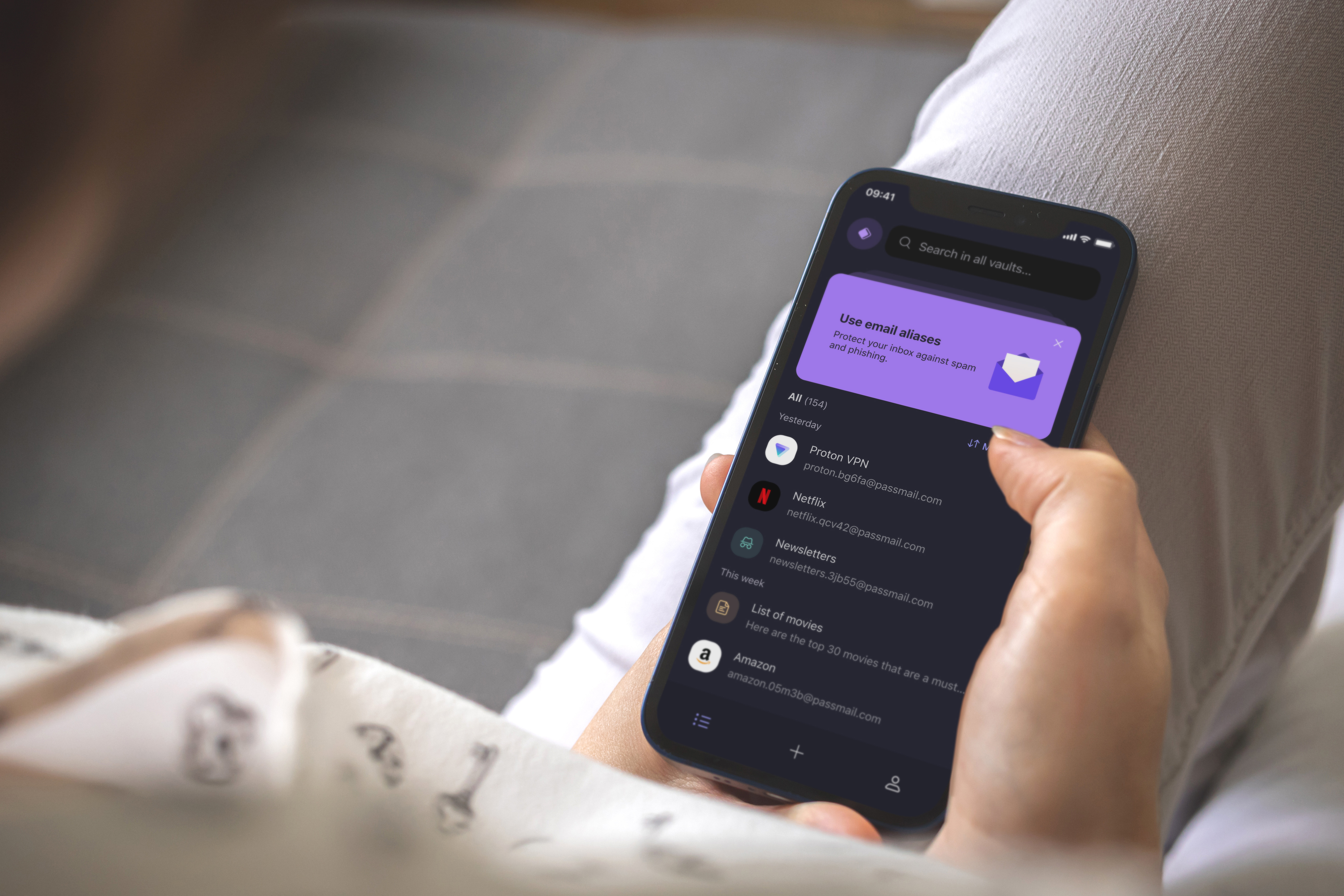
Store two-factor authentication codes directly alongside your logins. No need for a separate authenticator app — everything is encrypted and synced across devices.

Hide-My-Email Aliases

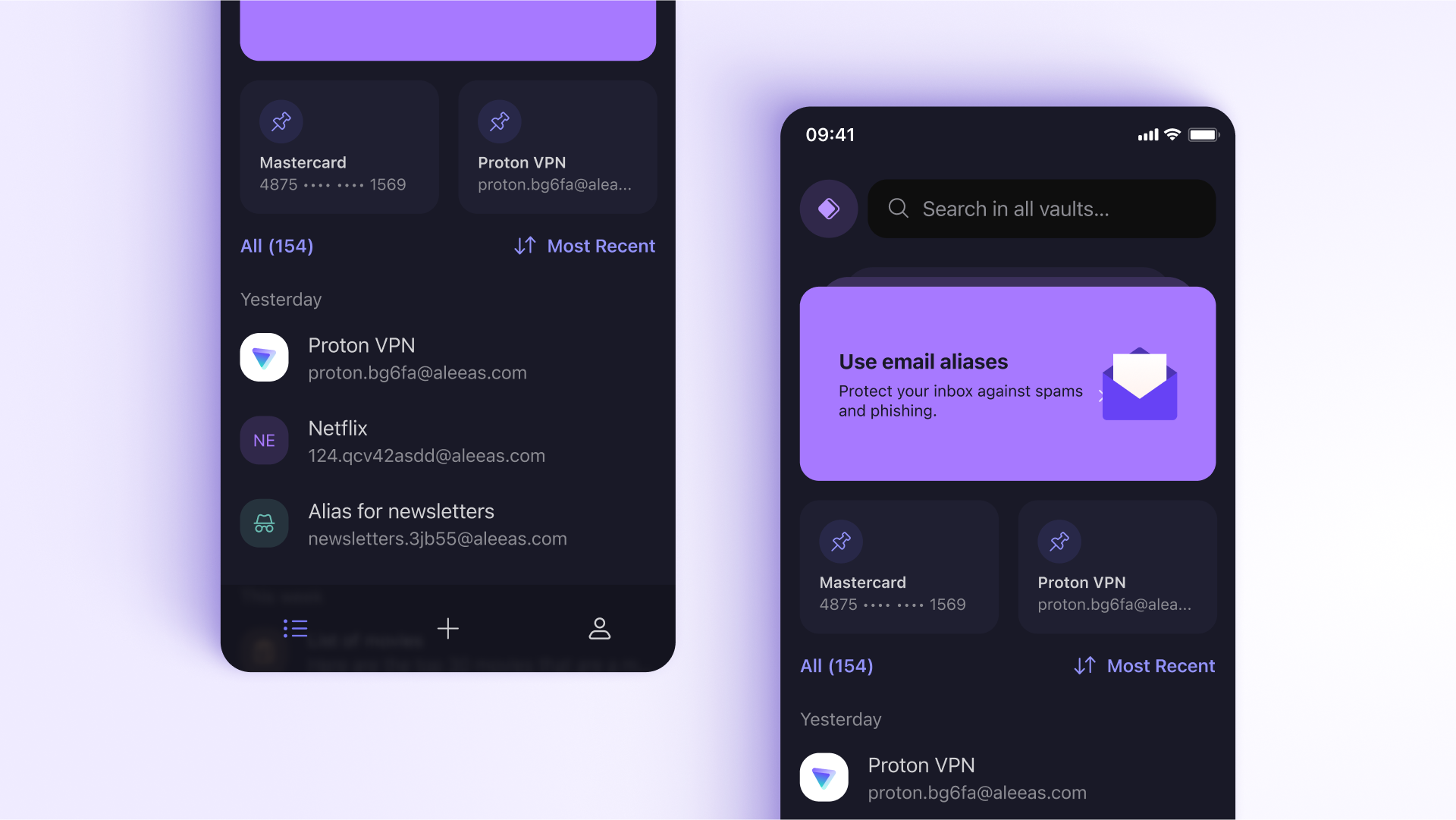
Manage multiple inboxes, combat spam, and protect your real email address with advanced email alias management — powered by Proton Mail integration.

Custom Item Storage

Store diverse data types including passports, WiFi codes, SSH keys, and credit cards in custom encrypted formats — everything in one secure vault.

Command-Line Interface

For power users, the Proton Pass CLI enables terminal-based access to your credentials for enhanced productivity and security in development workflows.

Dark Web Monitoring

Proton monitors the dark web for your email addresses and alerts you if your credentials appear in a breach, so you can act immediately.

Secure Password Sharing

Share passwords securely with family members or team members with end-to-end encryption — credentials are never exposed in plain text.

Feature Comparison

Feature Chrome Passwords Proton Pass
E2E Encryption No Yes
Metadata Encryption No Yes
Open Source No Yes
Built-in 2FA No Yes
Email Aliases No Hide-My-Email
Secure Sharing No Yes
Custom Items (passports, SSH keys) No Yes
Dark Web Monitoring Limited Yes
CLI Access No Yes
Cross-Platform Chrome only All platforms
Independent Audit No Yes

How to Switch from Chrome Passwords

  1. Create your free Proton account using the button above
  2. Export Chrome passwords (Settings > Passwords > Export)
  3. Import into Proton Pass with one click using the import tool
  4. Install browser extensions (Chrome, Firefox, Edge) and mobile apps
  5. Disable Chrome’s password manager to avoid conflicts

Pricing

Proton Pass free tier includes unlimited passwords, 2 vaults, built-in 2FA, browser extensions, and mobile apps. Proton Pass Plus adds unlimited vaults, secure sharing, dark web monitoring, hide-my-email aliases, and priority support.

Available on All Your Devices

Proton Pass works seamlessly across desktop, mobile, and web.
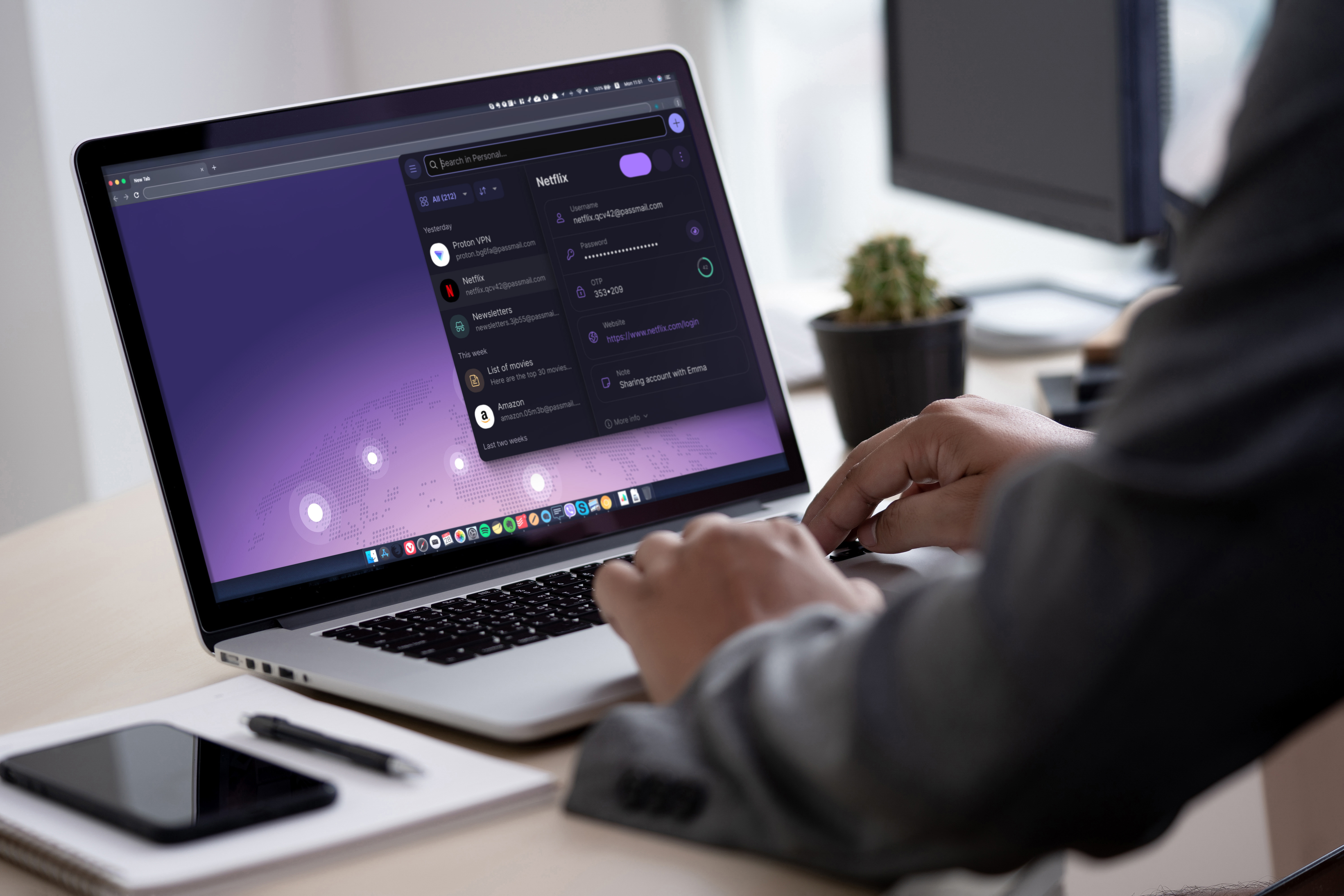
Proton Pass desktop app Desktop
Proton Pass mobile app Mobile

Ready to Reclaim Your Privacy?

Join millions who have switched to Proton's privacy-first services.