Proton Drive logo

Proton Drive vs Google Drive - Secure Cloud Storage

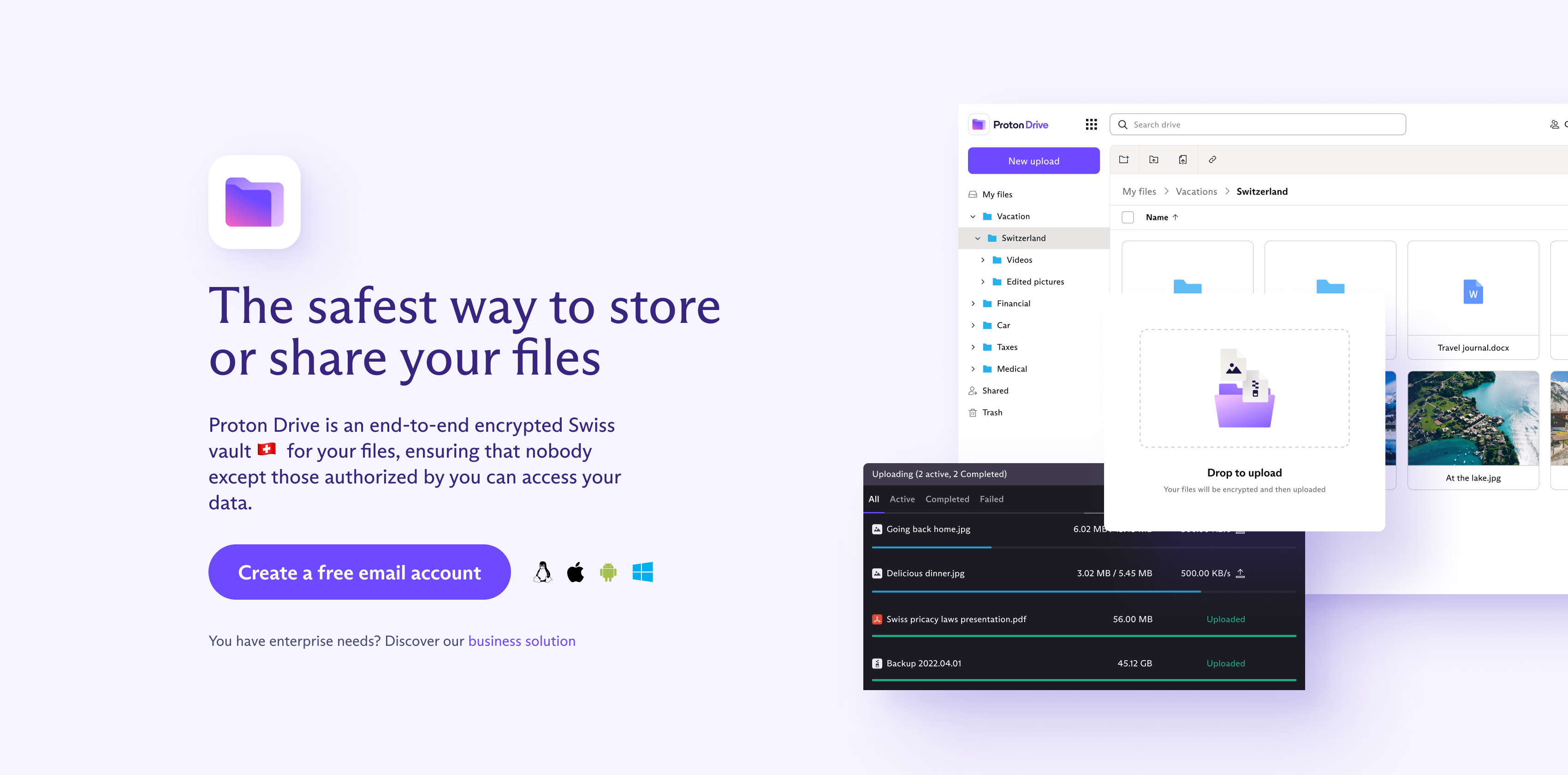
All files and metadata are encrypted on your device before upload — no one but you can access your data, not even Proton. Stored under Swiss privacy laws.
Proton Drive

Google Drive vs Proton Drive

See why privacy-conscious users are making the switch

The Privacy Problem

Google Drive

Google can access your files
No client-side encryption
Files used to train AI models
Integrated with Google's data collection
Subject to US government data requests
The Privacy Solution

Proton Drive

Client-side encryption before upload
Zero-knowledge - only you can access your files
Swiss data protection laws apply
Your files are never used to train AI
Secure file sharing with password protection

Why Switch from Google Drive to Proton Drive?

When you store files on Google Drive, Google can access them. They scan your documents, can share data with authorities, and may use your files to train AI models. Your most sensitive documents deserve better protection.

Proton Drive encrypts your files before they leave your device, meaning only you can access them — not even Proton.

Key Benefits

Client-Side Encryption

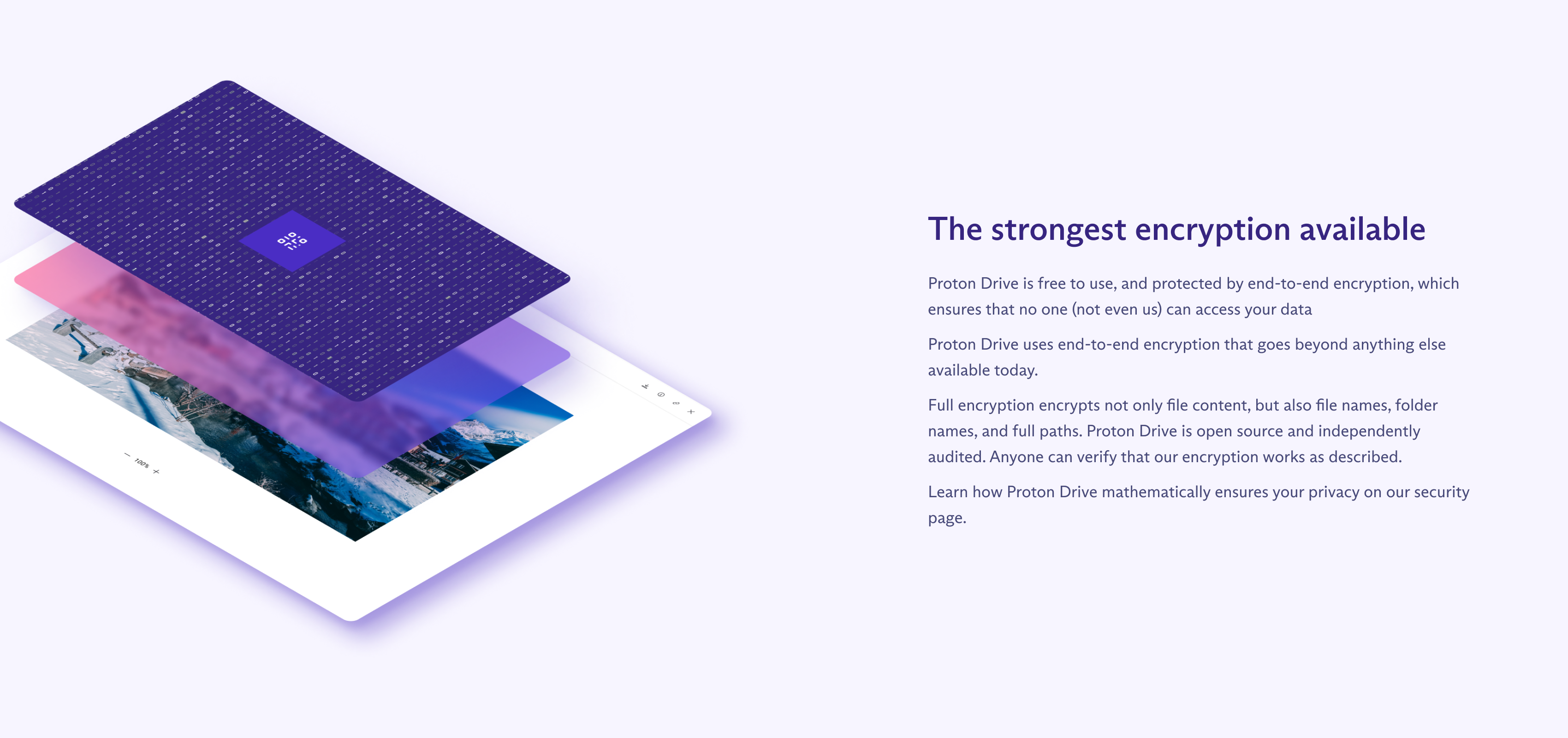
All files are encrypted on your device before upload. The encryption keys never leave your control, so Proton cannot access your files even if they wanted to. File names, folder names, and all metadata are encrypted too.

Swiss Data Protection

Your encrypted files are stored in Switzerland under some of the world’s strongest privacy laws. No mass surveillance, no data sharing with foreign governments.

Proton Docs & Sheets

Create and collaborate on documents and spreadsheets with end-to-end encryption. Proton Docs and the new Proton Sheets (launched 2025) let you work together without exposing your data.

Photo Backup & Albums

Back up photos from your mobile device with automatic encryption. Organize with albums, migrate from Google Photos on Windows, and import local folders — all protected by E2E encryption.

Secure File Sharing

Share files and folders with encrypted links. Set passwords and expiration dates for shared links to maintain control over who accesses your data.

Desktop & Mobile Sync

Folder synchronization on macOS and Windows keeps your files in sync across all devices. The “Optimize Storage” feature manages disk space automatically.

Feature Comparison

Feature Google Drive Proton Drive
Client-Side Encryption No Yes
Zero-Knowledge Storage No Yes
Encrypted File Names No Yes
AI Training Opt-Out Complicated N/A (can’t access)
Swiss Privacy Laws No Yes
Encrypted Collaboration No Proton Docs & Sheets
Secure Sharing Basic E2E Encrypted
Open Source No Yes

How to Switch from Google Drive

  1. Create your free Proton account using the button above
  2. Download the Proton Drive app for desktop and mobile
  3. Upload your important files — they’re encrypted automatically
  4. Set up automatic photo backup on mobile
  5. Migrate from Google Photos using the built-in import tool on Windows

Storage Plans

Proton Drive free tier includes 1 GB of encrypted storage with secure file sharing on web, desktop, and mobile. Paid plans offer up to 500 GB storage, priority support, and advanced sharing features.

Available on All Your Devices

Proton Drive works seamlessly across desktop, mobile, and web.
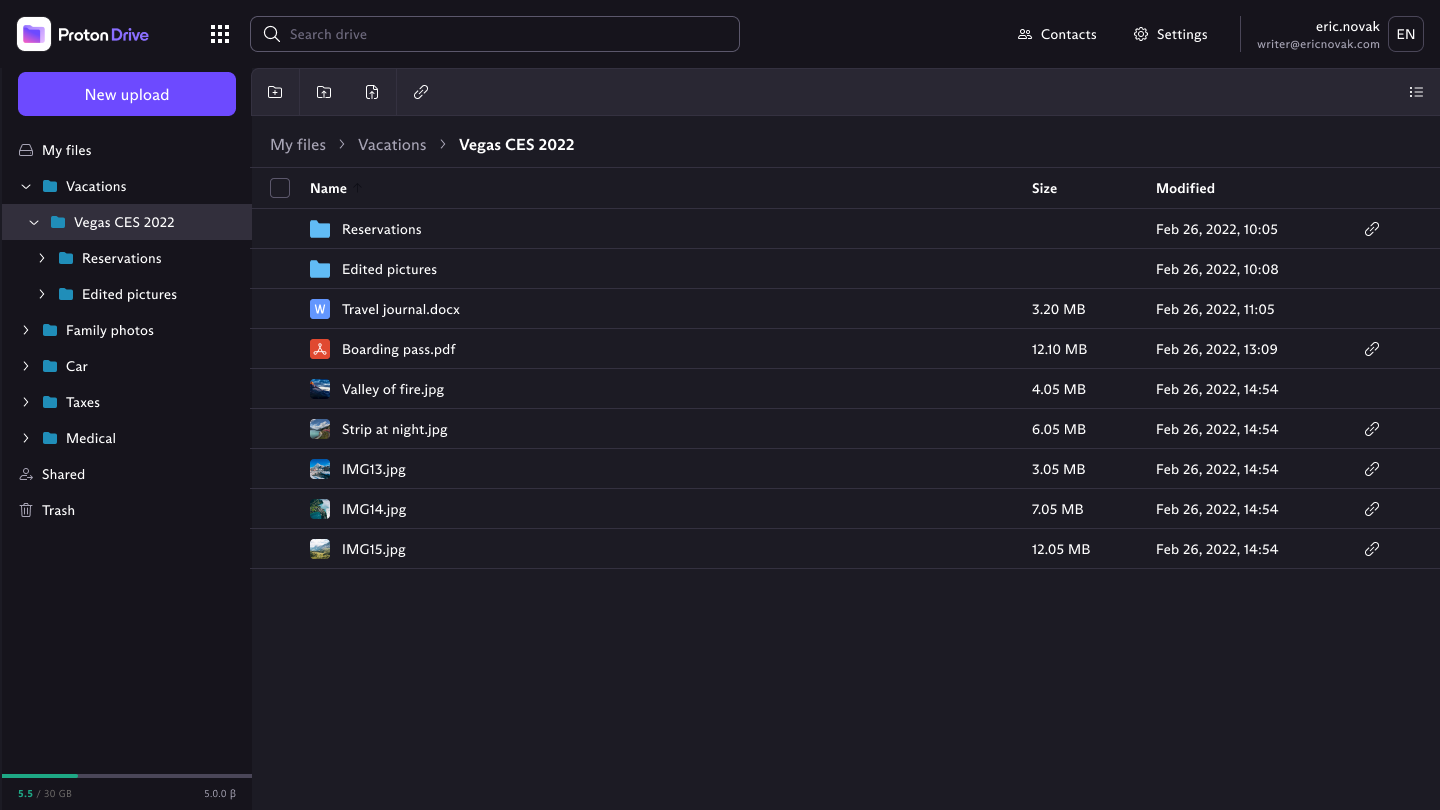
Proton Drive desktop app Desktop
Proton Drive mobile app Mobile
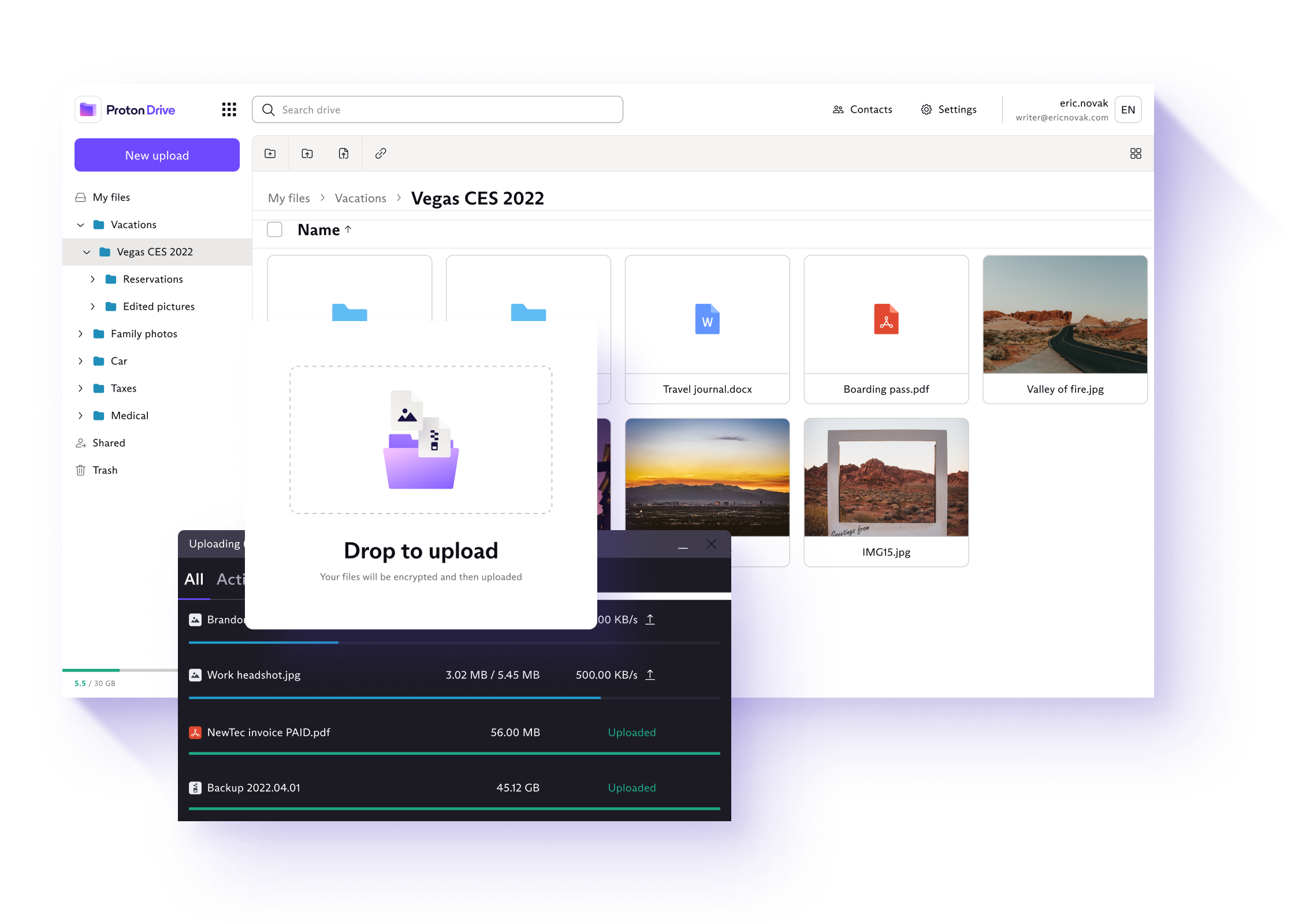
Proton Drive encrypted storage

Zero-Knowledge Cloud Storage

All files, folder names, and metadata are encrypted on your device before upload. Proton has zero knowledge of what you store — your encryption keys never leave your control.
Proton Drive collaboration

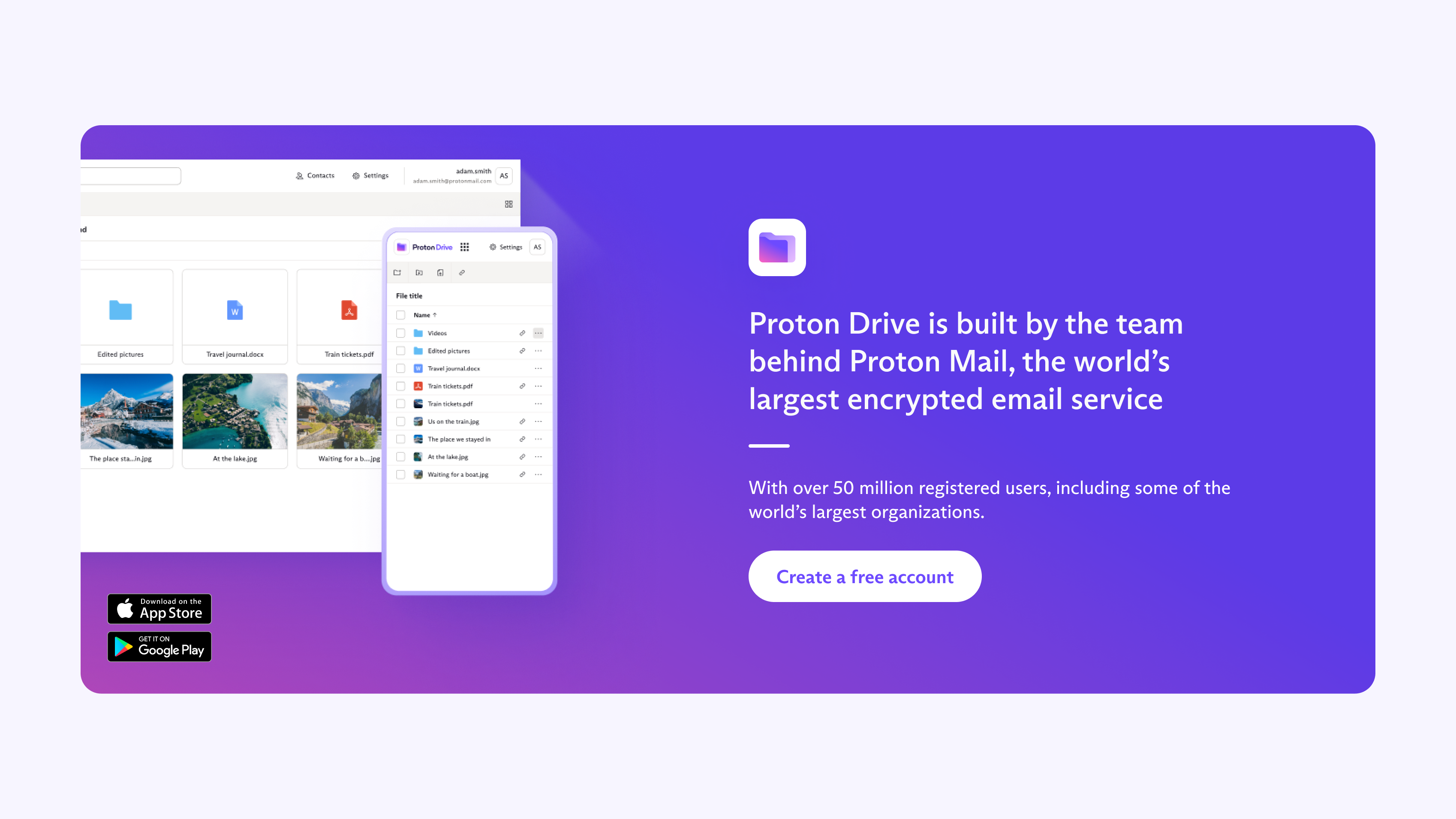
Collaborate Without Compromise

Share files with end-to-end encryption, collaborate on Proton Docs, and use Proton Sheets for encrypted spreadsheets — all without sacrificing your privacy.

Ready to Reclaim Your Privacy?

Join millions who have switched to Proton's privacy-first services.