Proton Calendar vs Google Calendar - Private Scheduling

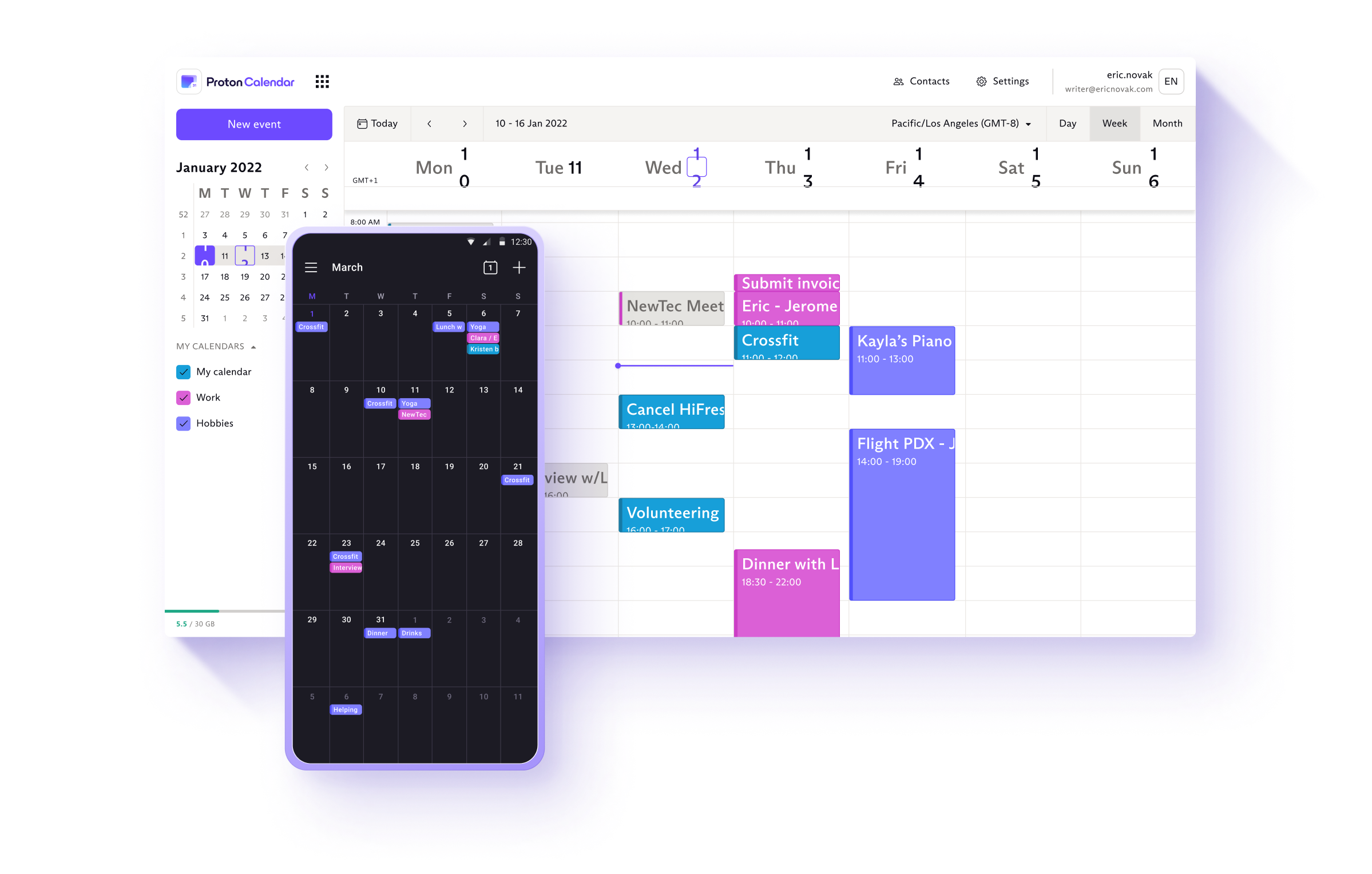
All event details — titles, descriptions, locations, and attendees — are encrypted. Only you can see your schedule. Not Google, not advertisers, not even Proton.
Proton Calendar

Google Calendar vs Proton Calendar

See why privacy-conscious users are making the switch

The Privacy Problem

Google Calendar

Events used for ad targeting
Location data collected
Integrated with Google's ecosystem
No encryption for event data
Third-party sharing enabled by default
The Privacy Solution

Proton Calendar

Encrypted event details and attendees
No data mining of your schedule
Seamlessly integrates with Proton Mail
Privacy-respecting event invitations
Zero-access encryption

Why Switch from Google Calendar to Proton Calendar?

Your calendar reveals intimate details about your life: doctor appointments, therapy sessions, job interviews, who you meet, and where you go. Google Calendar stores all of this unencrypted and uses it to build your advertising profile.

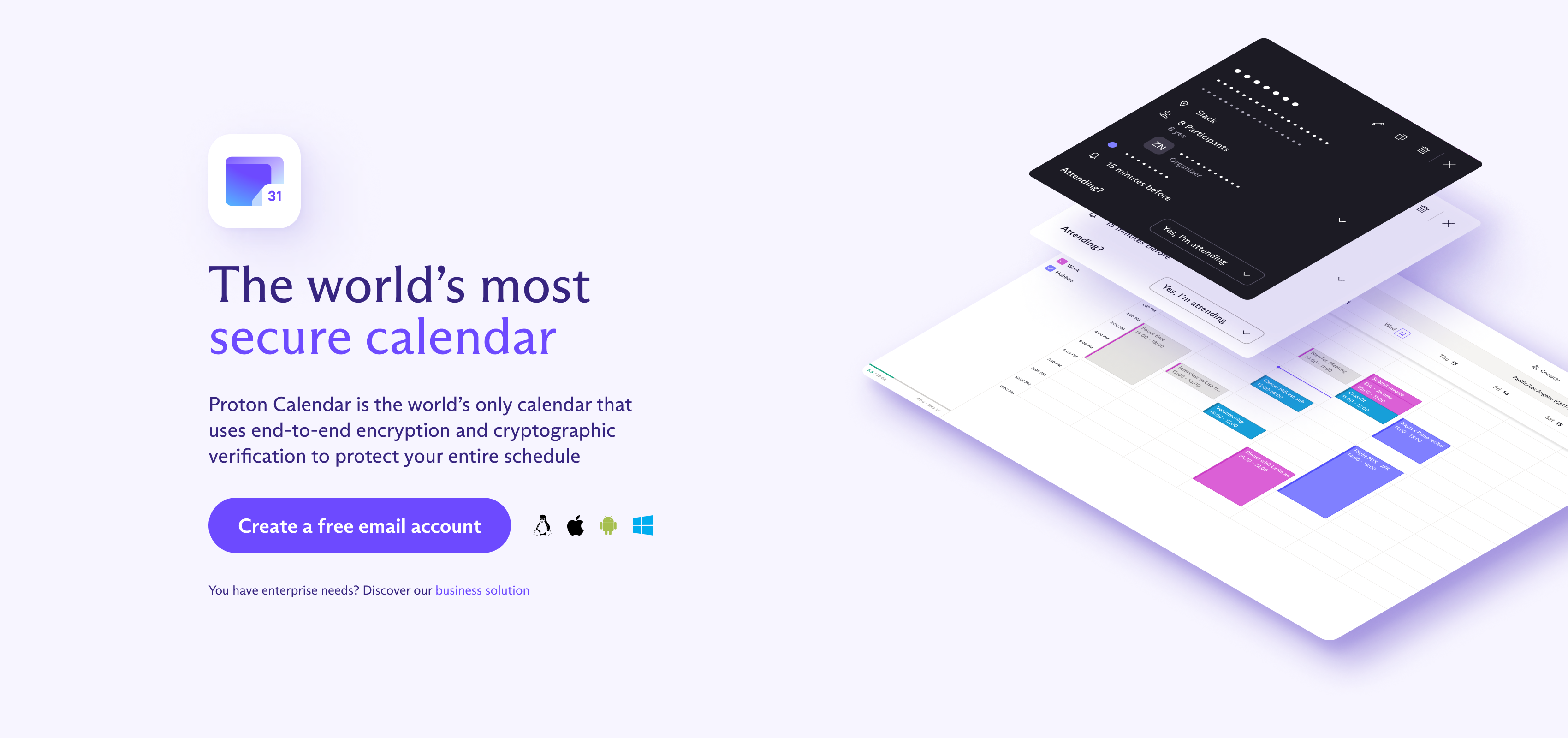
Proton Calendar encrypts all your events so that only you can see your schedule — not Google, not advertisers, not even Proton.

Key Benefits

Encrypted Events

All event details — titles, descriptions, locations, and attendees — are encrypted with keys that only you hold. Your schedule is genuinely private.

Privacy-Respecting Invitations

Send event invitations without exposing your entire schedule. Recipients see only the events you explicitly share with them.

Seamless Proton Mail Integration

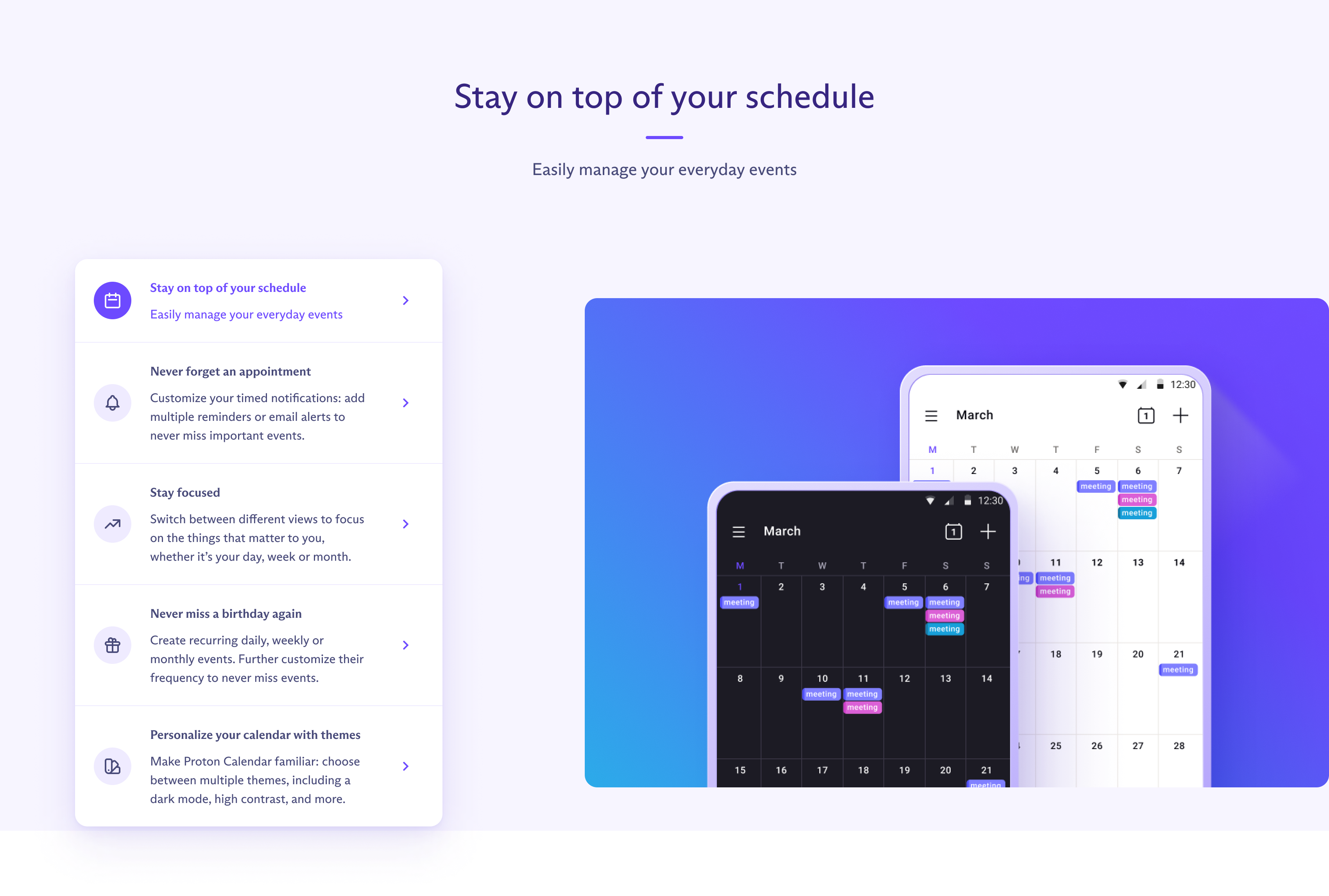
Proton Calendar integrates perfectly with Proton Mail. Event invitations are automatically added to your calendar, all with end-to-end encryption. Available in the new desktop apps for Mac and Windows.

Import from Google Calendar

Easily import your existing Google Calendar events during the switch. Export as ICS from Google, import with one click into Proton.

Multiple Calendars

Create separate calendars for work, personal, and other areas of your life. All encrypted, all private.

Cross-Platform

Available on web, iOS, and Android — with calendar integration in the native Proton Mail desktop apps.

Feature Comparison

Feature Google Calendar Proton Calendar
Encrypted Events No Yes
Zero-Access Encryption No Yes
Ad Targeting from Events Yes No
Location Data Collection Yes No
Swiss Privacy Laws No Yes
Open Source No Yes
E2E Encrypted Invitations No Yes
Desktop App Web only Web + Desktop

How to Switch from Google Calendar

  1. Create your free Proton account using the button above
  2. Export your Google Calendar as an ICS file
  3. Import into Proton Calendar with one click
  4. Set up Proton Calendar on your mobile devices
  5. Enjoy private scheduling that respects your privacy

Calendar Features

Proton Calendar free tier includes encrypted calendars, multiple calendar support, event invitations, and web and mobile apps. Paid plans add calendar sharing, more calendars, and priority support.

Available on All Your Devices

Proton Calendar works seamlessly across desktop, mobile, and web.
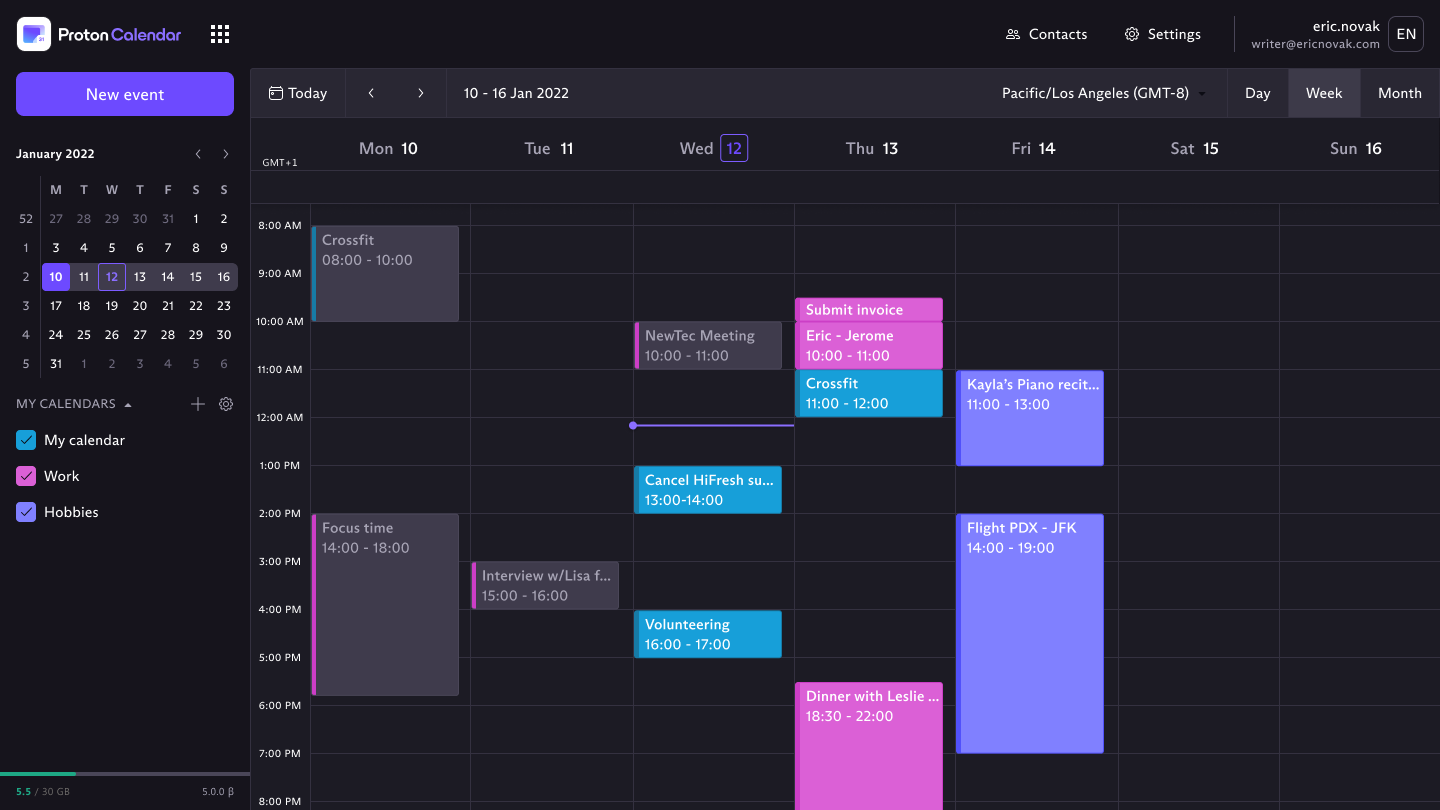
Proton Calendar desktop app Desktop
Proton Calendar mobile app Mobile
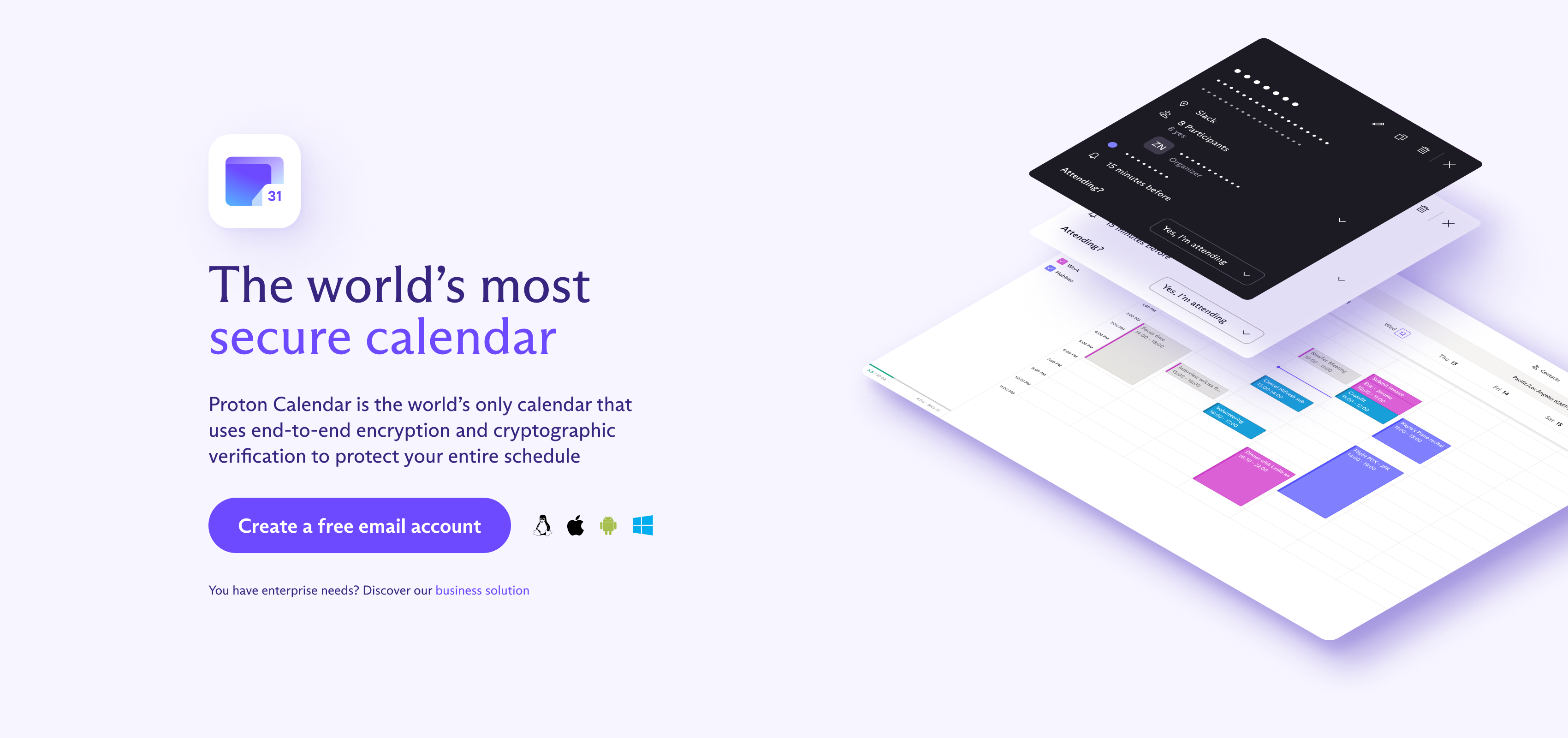
Proton Calendar encryption

Every Event Is Encrypted

All event details — titles, descriptions, locations, and attendees — are encrypted with your keys. Proton cannot see when you have a doctor's appointment or who you're meeting for lunch.
Proton Calendar integration

Seamless Proton Integration

Works perfectly with Proton Mail — event invitations are automatically added to your calendar, all with end-to-end encryption. Part of the complete Proton privacy suite.

Ready to Reclaim Your Privacy?

Join millions who have switched to Proton's privacy-first services.